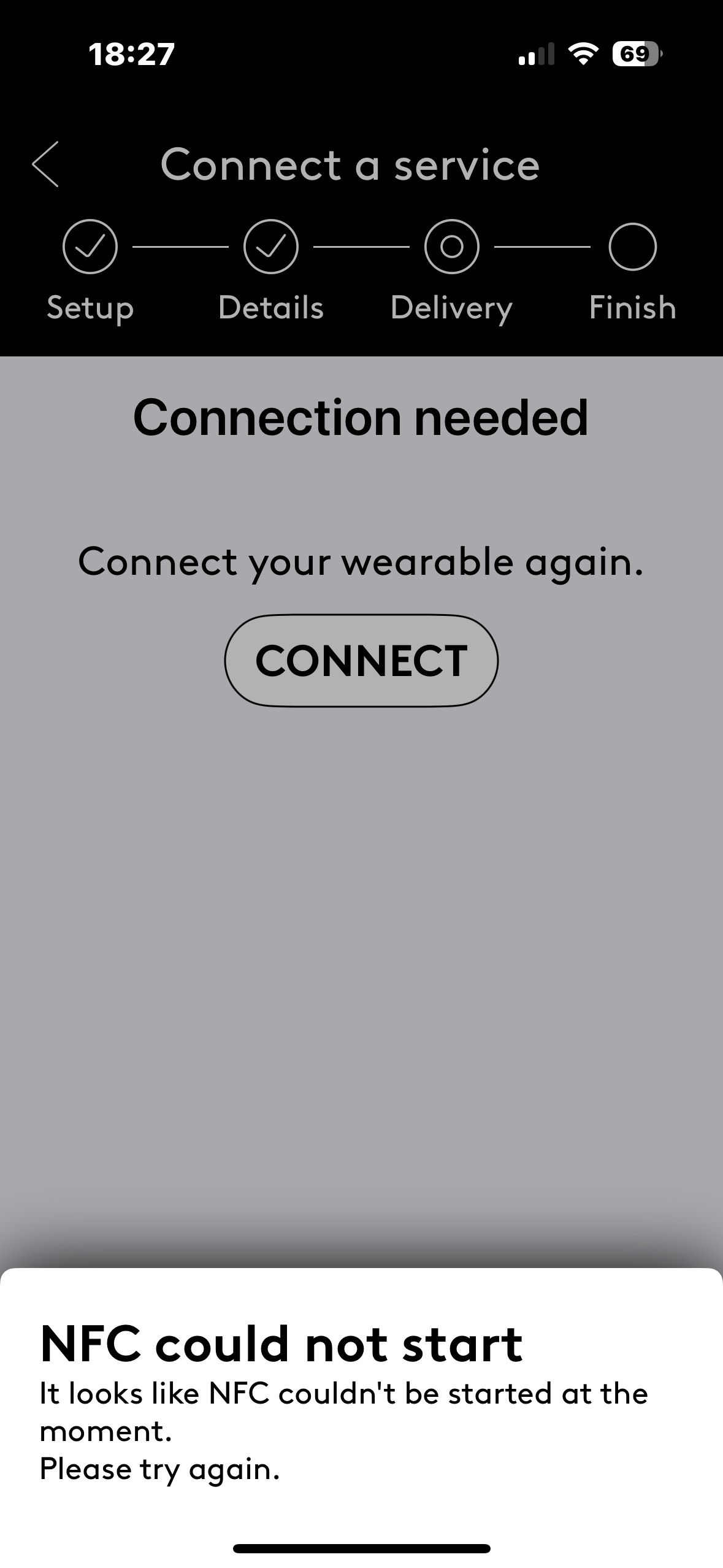
If you see the error message "NFC could not start," it means that NFC (Near Field Communication) is currently disabled on your smartphone. To use your Fidesmo-enabled wearable, you must have this feature turned on.
For iPhone users
On iOS, NFC is typically managed automatically by the system. If you are experiencing this error, please refer to this official Apple support discussion for troubleshooting steps specific to your device model.
For Android users
Because Android settings can vary by manufacturer, the location of the NFC toggle may differ. Generally, you can enable it by following these steps:
Open your phone’s Settings.
Search for "NFC" in the settings search bar at the top, or navigate to Connections or Connected devices.
Select Connection preferences (if applicable).
Toggle NFC to the On position.
If you cannot find these settings, please search your phone manufacturer’s online support page for "How to enable NFC on [your phone model]."